Hear your first signal
This task ends with intelligible received audio. You need an installed copy of Radio Bench and either an SDR with an antenna or a network receiver.
No local receiver is required for the KiwiSDR route below. CAT and transmit setup can wait until reception works.
Launch and unlock the application
- Install Radio Bench, then open it.
- Start the trial, or select
Activate a licensefor an existing purchase. - Complete the trial or activation steps.
- Start the setup wizard when it appears.
The wizard follows trial setup or activation. You can run it again from Settings > General > Setup wizard.
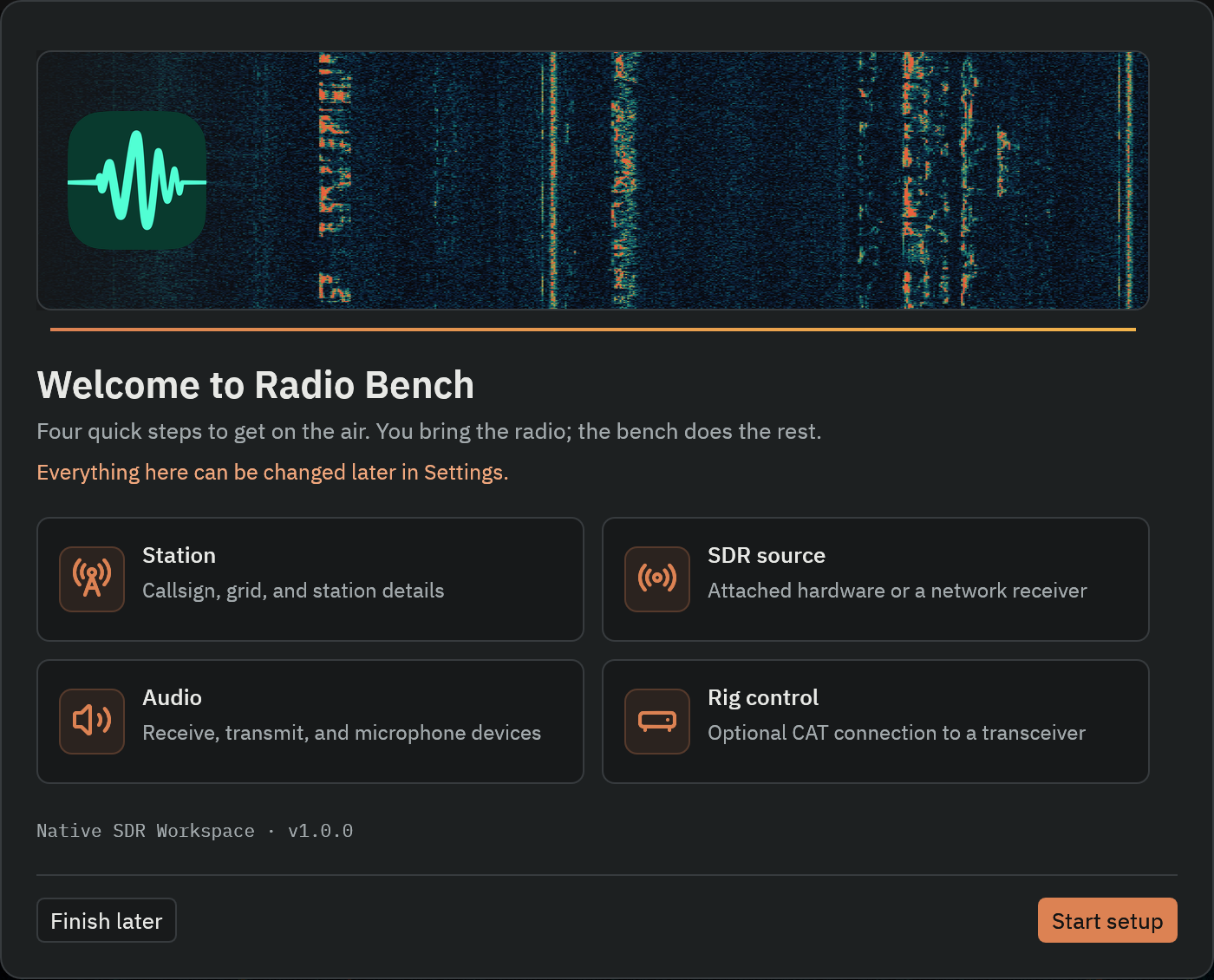
Enter station details
Enter your station callsign and grid locator when they are available. Radio Bench uses this information for logging, maps, and station profiles.
You can leave optional station fields empty. Receive operation does not require a callsign.
Choose a source
For local hardware, connect the receiver and its antenna. Select the detected device and a supported sample rate. Complete any device setup that your operating system requires.
For reception without local hardware, select KiwiSDR in the Source panel. Use Find an SDR to find a station, then enter its listening URL. See KiwiSDR connection steps for passwords and access limits.
Confirm your listening output
- Choose headphones or speakers as the receive output device in the wizard or in
Settings>Audio>RECEIVE OUTPUT. - Start with a low listening volume and unmute receiver audio.
- Select
Play tone. - Confirm that the two-second tone comes from the intended device.
This checks the output route. It does not check the SDR, antenna, tuning, or demodulation. If the tone fails, follow audio troubleshooting before continuing.
Connect and find a signal
- Finish the wizard, skipping optional rig control.
- Select
Connectin the Source panel. - Confirm that the spectrum and waterfall move as samples arrive.
- For a simple first test, find a strong AM broadcast signal in the receiver's coverage.
- Select
AM, then click its carrier in the spectrum or waterfall. - Select a normal passband width and raise RX volume gradually.
- Confirm that you hear recognizable speech or music.
With a KiwiSDR, choose a station that currently receives a strong broadcast signal. Reception depends on its location, antenna, propagation, and local time.
If your receiver does not cover the AM broadcast band, use a shortwave broadcast station or a time-signal station, such as WWV on 10 MHz. A V3-class RTL-SDR needs direct sampling before it can receive HF.
For amateur SSB, select USB or LSB to match the signal. Tune slowly until speech sounds natural, then narrow the passband if adjacent signals interfere.
Check each result separately
| Checkpoint | What it establishes | If it fails |
|---|---|---|
| Audible test tone | RX output reaches your listening device | Check output selection, mute, and system volume. |
| Moving waterfall | Source samples are arriving | Check the source connection or choose another network station. |
| Intelligible received audio | Source, tuning, mode, passband, and listening route work together | Check the mode and passband on a strong known signal. |
Continue with tuning and modes. Configure CAT and transmit audio as separate station tasks.