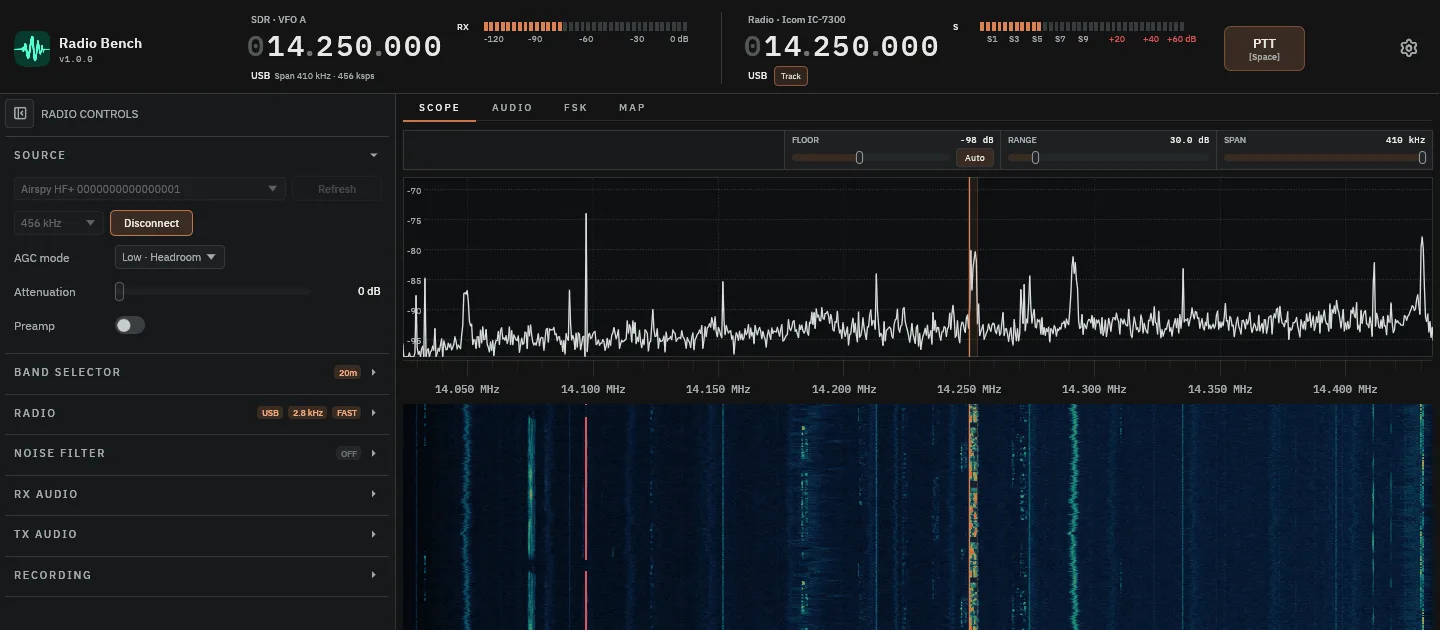
See the band
Tune from the spectrum or waterfall. Use notch filters and noise reduction when reception is difficult.
HF amateur radio
See the band, control your rig and log the contact — one native SDR workspace for macOS, Windows and Linux.
Power on your radio gear and open Radio Bench. Tune across the band, keep your transceiver in step and record the QSO in the same workspace.
Check your receiver and transceiverTune from the spectrum or waterfall. Use notch filters and noise reduction when reception is difficult.
Keep your transceiver’s frequency and mode in sync through CAT. Hamlib connects supported rigs to your operating workspace.
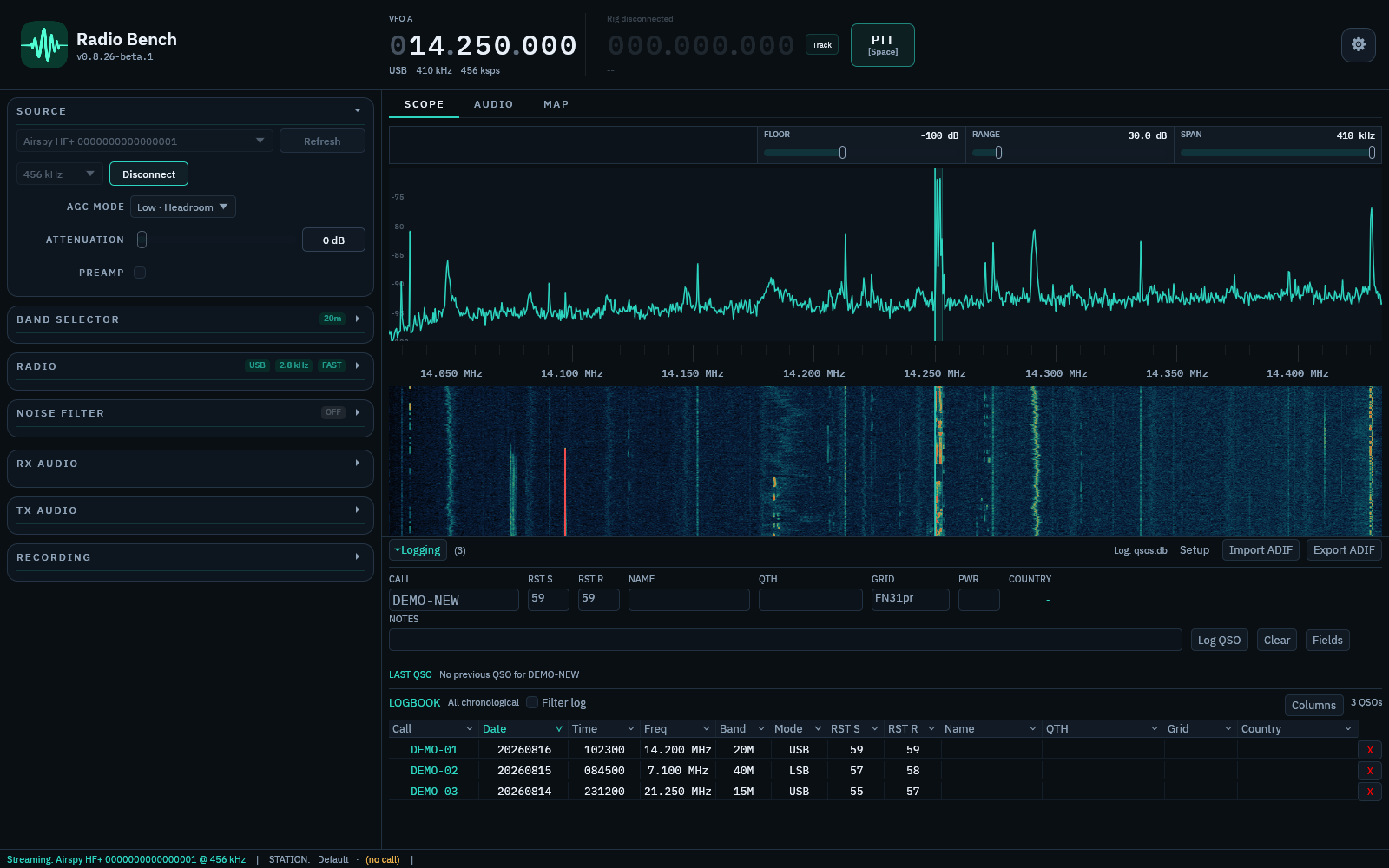
Keep a local QSO logbook alongside the radio. See contacts on the map, and move existing logs in or out with ADIF.
No usage analytics. No operating telemetry.
Your callsign, frequencies and contacts are not sent for analytics. Your logbook and recordings stay on your computer.
Operate offline after starting your trial or activating your licence. Network receivers and online services still need a connection.
How Radio Bench handles privacyReceive AM, FM, SSB (USB/LSB) and CW, with built-in CW decoding.
FT8 and FT4 bring local decoding, supervised exchanges and contact logging to the FSK workspace. Explore FT8 and FT4.
Experimental RADE V1 digital voice supports receive and transmit. Transmission uses a connected transceiver.
More about modesAirspy HF+ · RTL-SDR V3/V4 · KiwiSDR · RTL-TCP · SpyServer · IQ WAV
Native desktop software for macOS, Windows and Linux.
Listen through a remote KiwiSDR station without a local SDR. Add a Hamlib-supported transceiver for rig control.
Check compatibilityBuy once for two computers. All future Radio Bench updates included.
No subscription. No annual maintenance or support fee.
Every feature is included. Paid licences work offline after activation.
Prefer to try it first? Download the 30-day trial.
Any taxes shown at checkout.
Licence terms · Refund policy