Complete first-run setup
The setup wizard opens after activation or trial setup. You can run it again from Settings > Application.
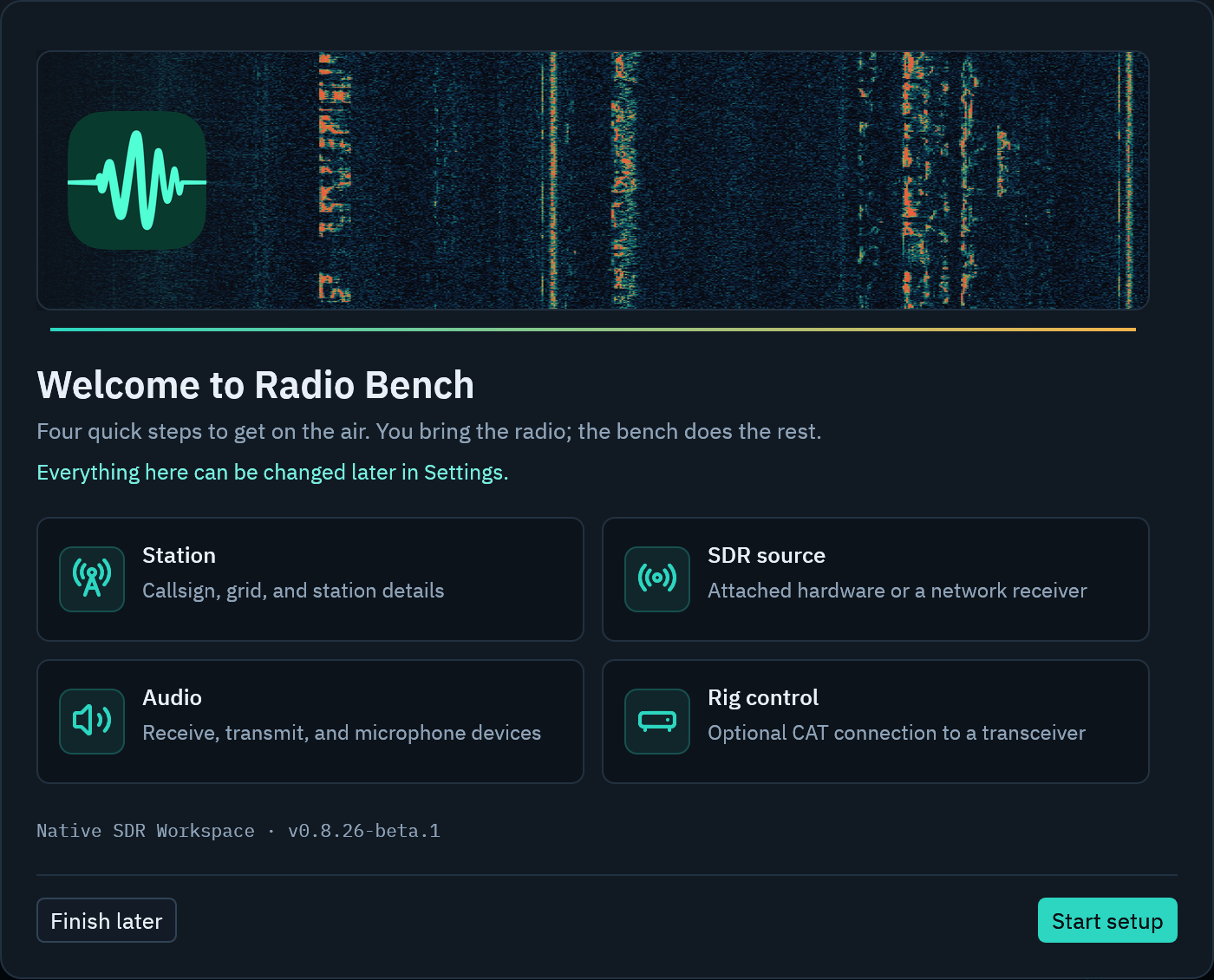
Station
Enter your station callsign and grid locator when they are available. Radio Bench uses this information for logging, maps, and station profiles.
You can leave optional station fields empty. Receive operation does not require a callsign.
SDR source
Select a detected source or a network source. Set its sample rate and device controls before you start streaming.
See connect an SDR source for the complete start sequence.
Audio
Choose the receiver output device. Use PLAY TONE to play a two-second reference tone through the selected output.
Transmit users can also select a microphone and TX output. Confirm these devices before you use PTT.
Rig control
CAT rig control is optional. Select the Hamlib model and serial port if you want synchronized frequency, mode, meters, PTT, or CW text.
You can skip this step and configure rig control later.